Tip of the week: Retouch Layer / Tipp der Woche: Retuschenebene

divider

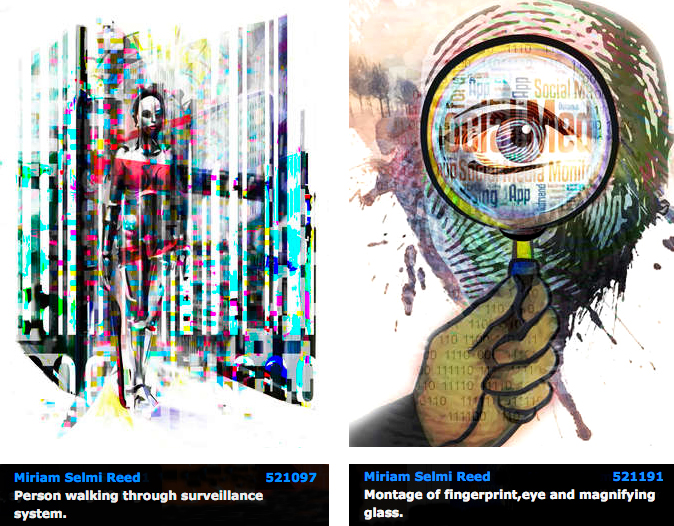
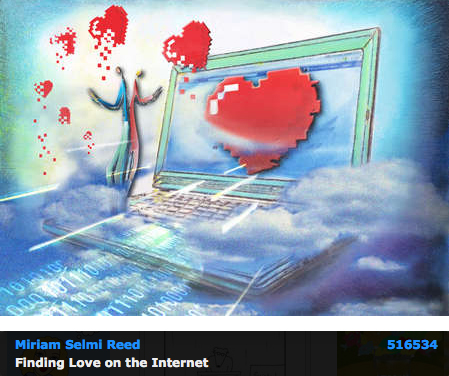
TIP OF THE WEEK: how I retouch my illustrations using the Stamp Tool and Healing Brush Tool in Photoshop CC or CS6. I place on an empty layer on top – while I select the option ALL LAYERS in the Control Bar – then I click the ALT key to sample and start stamping. 😉

Miriam Selmi Reed is represented and licensed by Illustration Source – Courtesy of Illustration Source

Miriam Selmi Reed is represented and licensed by Illustration Source – Courtesy of Illustration Source

TIPP DER WOCHE: Wie ich meine Illustrationen retuschiere mit dem Stempel Werkzeug oder dem Reparaturpinsel ist einfach. Ich benutze eine leere Ebene die ich ganz oben einfüge. Dann drücke ich die ALT Taste um einen sauberen Bereich aufzunehmen – mit der Option ALLE EBENEN aufnehmen in der Steuerung – und stemple vor mich hin. 😉
divider

Miriam Selmi Reed is represented and licensed by Illustration Source - Courtesy of Illustration Source

Miriam Selmi Reed is represented and licensed by Illustration Source – Courtesy of Illustration Source

View the artists’s homage on the topic: MENTAL HEALTH

Miriam Selmi Reed is represented by Illustration Source, New York City. Portfolio and contact: Illustration Source NYC

Illustration technique: watercolor, acrylic and pencil combined with digital mixed media using Adobe Photoshop and Illustrator.Copyright by Illustration Source, New York City.

Illustrations-Technik: Aquarell, Acryl mit Farbstift, gemischt mit Adobe Photoshop und Illustrator. Copyright by Illustration Source, New York City.

divider

Your source for commissioned illustration: ORIGINAL ART STUDIOS in New York City.

OAS

Portfolio Original Art Studios, New York City: MIRIAM SELMI REED

Bookfair 2015 in Frankfurt / Buchmesse 2015 in Frankfurt

Happy to announce that my new illustrated book Z-DOG is represented by my literary agent at the bookfair in Frankfurt from 14 to 18th of October 2015.

INFO: Bookfair Frankfurt / Buchmesse Frankfurt
BLOG: Z-DOG

Copyright by Miriam Selmi Reed - all rights reserved

Copyright by Miriam Selmi Reed – all rights reserved

Comic Illustration

TIP OF THE WEEK: how to illustrate a book with Adobe Illustrator / TIPP DER WOCHE: wie man mit Adobe Illustrator illustriert.

STEP 1: scan your drawing / 1 Schritt: scannen Sie Ihre Zeichnung

Drawing by Miriam Selmi Reed

Drawing by Miriam Selmi Reed

STEP 2: Trace with Adobe Illustrator / Nachzeichnen mit Adobe Illustrator

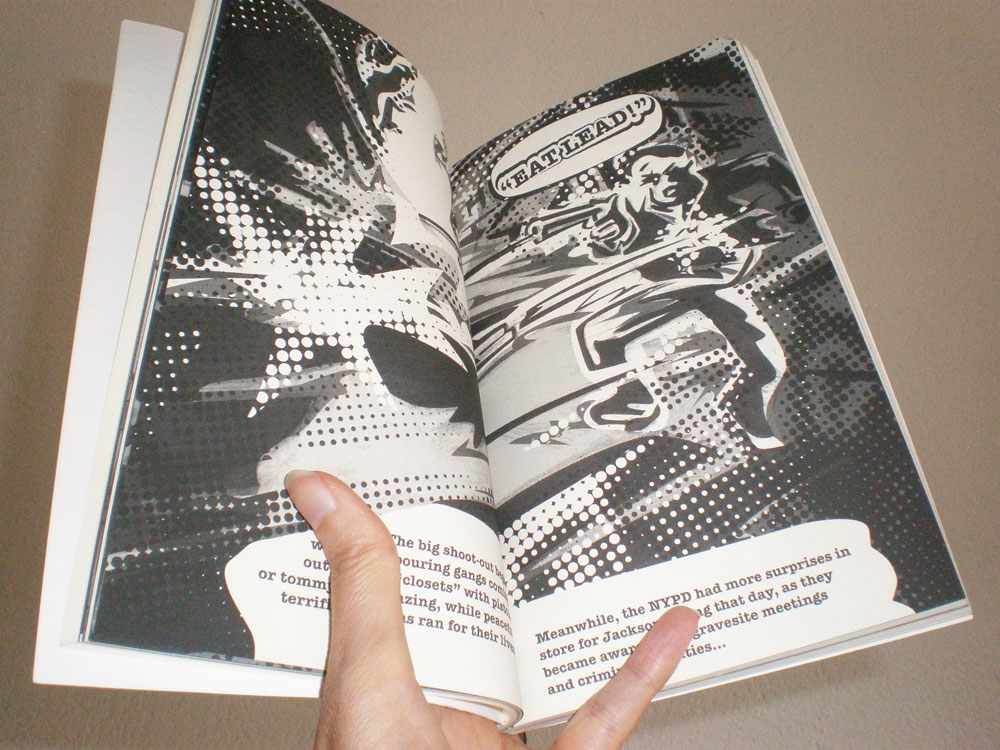
Illustration by Miriam Selmi Reed - Copyright by Round Robin Editrice, Rome, Italy

Illustration by Miriam Selmi Reed – Copyright by Round Robin Editrice, Rome, Italy

STEP 3: Print the illustration or book / Die Illustration oder das Buch wird gedruckt

Illustration by Miriam Selmi Reed - Copyright by Round Robin Editrice, Rome, Italy

Illustration by Miriam Selmi Reed – Copyright by Round Robin Editrice, Rome, Italy

Secure ONLINE SHOP / Sicherer ONLINE SHOP:
Screen Shot 2013-07-13 at 3.45.22 PM

divider

Tutorial in English and German – Anleitung dazu in Deutsch und Englisch

1. Scan your image and place it in Adobe Illustrator – FILE > PLACE.
Scannen Sie ihre Bildvorlage und platzieren Sie es in Adobe Illustrator – DATEI > PLATZIEREN.

2. Go to WINDOW > LAYERS and add a layer on top to trace your image using the Pen Tool.
Unter FENSTER > EBENEN erstellen Sie eine neue Ebene und zeichnen mit dem Zeichenstiftwerkzeug den Linien nach.

CARTOON PATH PART 1 – COMIC FIGUR TEIL 1

3. Go to WINDOW > SWATCHES and select your lines to fill them with color.
Unter FENSTER > FARBFELDER und wählen sie ihre Konturen und füllen diese mit Farbe.

CARTOON PATH PART 2 – COMIC FIGUR TEIL 2

Tutorial for beginners: How to draw in Adobe Illustrator
Übung für Anfänger: Wie man mit Illustrator zeichnet

divider

Any support is greatly appreciated – Jede Unterstützung freut uns: PayPal Donate Button

Freedom of Speech

divider

Tip 1: Promote your own artwork for free
I love the new promotion tools the Creative Cloud offers; check it out!

Illustrator Tip 2: how to use Global Colors in Adobe Illustrator
I always use Global Colors in all my Illustrator files. Click on the link to get more info.

divider

Tipp 1: Promoten Sie gratis Ihre Design-Arbeiten
Ich finde die neuen gratis Promotionsmöglichkeiten der Creative Cloud super; check it out!

Illustrator Tipp 2: Wie man Globale Farben in Adobe Illustrator benutzt
Ich benutze generell immer globale Farben in Adobe Illustrator. Klicken Sie auf den Link für mehr Infos.

divider

Courtesy of Illustration Source - Copyright by Illustration Source

Courtesy of Illustration Source – Copyright by Illustration Source

View the artists’s homage on the topic: FREEDOM OF SPEECH

Miriam Selmi Reed is represented by Illustration Source, New York City. Portfolio and contact: Illustration Source NYC

Illustration technique: watercolor, acrylic and pencil combined with digital mixed media using Adobe Photoshop and Illustrator.Copyright by Illustration Source, New York City.

Illustrations-Technik: Aquarell, Acryl mit Farbstift, gemischt mit Adobe Photoshop und Illustrator. Copyright by Illustration Source, New York City.

divider

Your source for commissioned illustration: ORIGINAL ART STUDIOS in New York City.

OAS

Portfolio Original Art Studios, New York City: MIRIAM SELMI REED

Earth Day

divider

Photoshop Tutorial: How to remove backgrounds with layer masks

Photoshop Tipp: Wie man Bilder mit Ebenenmasken freistellt

divider

Miriam Selmi Reed represented and licensed by Illustration Source

Miriam Selmi Reed represented and licensed by Illustration Source

View the artists’s homage on the topic: Earth Day

Miriam Selmi Reed is represented by Illustration Source, New York City. Portfolio and contact: Illustration Source NYC

Illustration technique: watercolor, acrylic and pencil combined with digital mixed media using Adobe Photoshop and Illustrator.Copyright by Illustration Source, New York City.

Illustrations-Technik: Aquarell, Acryl mit Farbstift, gemischt mit Adobe Photoshop und Illustrator. Copyright by Illustration Source, New York City.

divider

Your source for commissioned illustration: ORIGINAL ART STUDIOS in New York City.

OAS

Portfolio Original Art Studios, New York City: MIRIAM SELMI REED
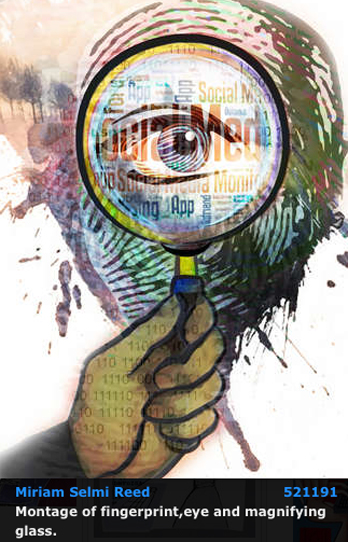
Social Media 3

divider

Illustrator Tutorial: How to vectorize a photo and colorise it
I like to use my own photographs and combine them into my illustrations. Here is a cool trick on how to vectorize your own photos in Illustrator.

divider

Illustrator Tipp: Wie man ein Foto vektorisiert und einfärbt
Ich benutze gerne meine digitalen Fotos in meinen Illustrationen. Hier ist ein cooler Trick wie Sie Ihre eigenen Photos in Illustrator vektorisieren.

divider

Courtesy of Illustration Source

Courtesy of Illustration Source

View the artists’s homage on the topic: SOCIAL MEDIA

Miriam Selmi Reed is represented by Illustration Source, New York City. Portfolio and contact: Illustration Source NYC

Illustration technique: watercolor, acrylic and pencil combined with digital mixed media using Adobe Photoshop and Illustrator.Copyright by Illustration Source, New York City.

Illustrations-Technik: Aquarell, Acryl mit Farbstift, gemischt mit Adobe Photoshop und Illustrator. Copyright by Illustration Source, New York City.

divider

Your source for commissioned illustration: ORIGINAL ART STUDIOS in New York City.

OAS

Portfolio Original Art Studios, New York City: MIRIAM SELMI REED
Social Media 2

divider

Photoshop Tutorial: Clipping Mask and Adjustment Layers
Here is a cool trick on how to use a font as a clipping mask, which I’ve used on my illustration below. Click on the link for more info.

divider

Photoshop Tipp: Schnittmaske und Einstellungsebene
Hier ist ein einfacher Trick wie ich eine Schrift als Schnittmaske benutze. Dieselbe Methode benutzte ich unten bei meiner Illustration.

divider

Miriam Selmi Reed represented and licensed by Illustration Source

Courtesy of Illustration Source

View the artists’s homage on the topic: SOCIAL MEDIA

Miriam Selmi Reed is represented by Illustration Source, New York City. Portfolio and contact: Illustration Source NYC

Illustration technique: watercolor, acrylic and pencil combined with digital mixed media using Adobe Photoshop and Illustrator.Copyright by Illustration Source, New York City.

Illustrations-Technik: Aquarell, Acryl mit Farbstift, gemischt mit Adobe Photoshop und Illustrator. Copyright by Illustration Source, New York City.

divider

Your source for commissioned illustration: ORIGINAL ART STUDIOS in New York City.

OAS

Portfolio Original Art Studios, New York City: MIRIAM SELMI REED
Social Media 1

divider

Illustrator Tip Part 1: New Drawing Tools in Adobe Illustrator CC – Part 1
I love the new drawing tools in Adobe Illustrator Creative Cloud; the new Curvature-tool makes tracing so much easier!

Illustrator Tip Part 2: New Drawing Tools in Adobe Illustrator CC – Part 2
I’ve also used the new Pencil-Tool in my new illustrations you see below. Click on the link to get more info.

Adobe Illustrator CS6 Tip: How to draw in Adobe Illustrator CS6

divider

Illustrator Tipp Teil 1: Neue Zeichnungs-Werkzeuge in Adobe Illustrator CC – Teil 1
Dieses neue Krümmungs-Werkzeug macht es noch einfacher Kurven zu zeichnen und Ankerpunkte zu setzen.

Illustrator Tipp Teil 2: Neue Zeichnungs-Werkzeuge in Adobe Illustrator CC – Teil 2
Bei meinen neuen Illustrationen benutzte ich auch das neue Buntstift-Werkzeug. Klicken Sie auf den Link für mehr Info!

Adobe Illustrator CS6 Tipp: Wie man mit Illustrator CS6 zeichnen kann

divider

Courtesy of Illustration Source

Courtesy of Illustration Source

Courtesy of Illustration Source

Courtesy of Illustration Source

View the artists’s homage on the topic: SOCIAL MEDIA

Miriam Selmi Reed is represented by Illustration Source, New York City. Portfolio and contact: Illustration Source NYC

Illustration technique: watercolor, acrylic and pencil combined with digital mixed media using Adobe Photoshop and Illustrator.Copyright by Illustration Source, New York City.

Illustrations-Technik: Aquarell, Acryl mit Farbstift, gemischt mit Adobe Photoshop und Illustrator. Copyright by Illustration Source, New York City.

divider

Your source for commissioned illustration: ORIGINAL ART STUDIOS in New York City.

OAS

Portfolio Original Art Studios, New York City: MIRIAM SELMI REED

The Weather Report

divider

Tip 1: How to show the Photoshop channels in color!
Normally the channels in Photoshop are being shown in greyscale. In certain cases I prefer to see them in colors to make alterations. Click on the link for more info.

Tip 2: The difference between S-RGB and RGB in Adobe Photoshop
I will use sRGB for my own illustrations – you may see one below – if I’m certain that my artwork will only be for digital display. Please click on the link for more info.

divider

Tipp 1: Wie man die Kanäle in Photoshop in Farbe anzeigt
Normalerweise werden die Kanäle in Schwarz/Weiss angezeigt. Ich ziehe es manchmal vor diese farbig zu bearbeiten. Für mehr Info bitte auf den Link klicken.

Tipp 2: Der Unterschied zwischen S-RGB und RGB in Adobe Photoshop
Ich selber benutze sRGB gerne für meine Illustrationen – siehe Beispiel unten – wenn ich sicher bin, dass diese nur auf Webseiten erscheinen werden. Für mehr Info bitte auf den Link klicken.

divider

Miriam Selmi Reed represented and licensed by Illustration Source / courtesy of Illustration source

Courtesy of Illustration Source

View the artists’s homage on the topic THE WEATHER REPORT

Miriam Selmi Reed is represented by Illustration Source, New York City. Portfolio and contact: Illustration Source NYC

Illustration technique: Traditional painting combined with digital mixed media using Smart Objects in Photoshop and Illustrator. Copyright by Illustration Source, New York City.

Illustrations-Technik: Acrylbild gemischt mit Illustrator und Photoshop sowie Smart-Objekten. Copyright by Illustration Source, New York City.

divider

Your source for commissioned illustration: ORIGINAL ART STUDIOS in New York City.

OAS

Portfolio Original Art Studios, New York City: MIRIAM SELMI REED

Today’s concept: Privacy

divider

Instead of using filters which change the overall color balance , I prefer to use LAB colors when I only need to adjust the brightness… if you’d like to know how; click on the link below!
Tutorial: What are LAB colors in Photoshop

Wenn ich bei meinen Illustrationen die Helligkeit meiner Farben separat von meinen Farbtönen verändern will, benutze ich LAB Farben… klicken Sie auf den Link um herauszufinden, wie das geht!
Anleitung: Was sind LAB Farben in Photoshop

divider

Courtesy of Illustration Source

Courtesy of Illustration Source / All rights reserved

View the artists’s homage on the topic: PRIVACY TODAY

Miriam Selmi Reed is represented by Illustration Source, New York City. Portfolio and contact: Illustration Source NYC

Illustration technique: watercolor, acrylic and pencil combined with digital mixed media using Adobe Photoshop and Illustrator.Copyright by Illustration Source, New York City.

Illustrations-Technik: Aquarell, Acryl mit Farbstift, gemischt mit Adobe Photoshop und Illustrator. Copyright by Illustration Source, New York City.

divider

Your source for commissioned illustration: ORIGINAL ART STUDIOS in New York City.

OAS

Portfolio Original Art Studios, New York City: MIRIAM SELMI REED

Tax time…

divider

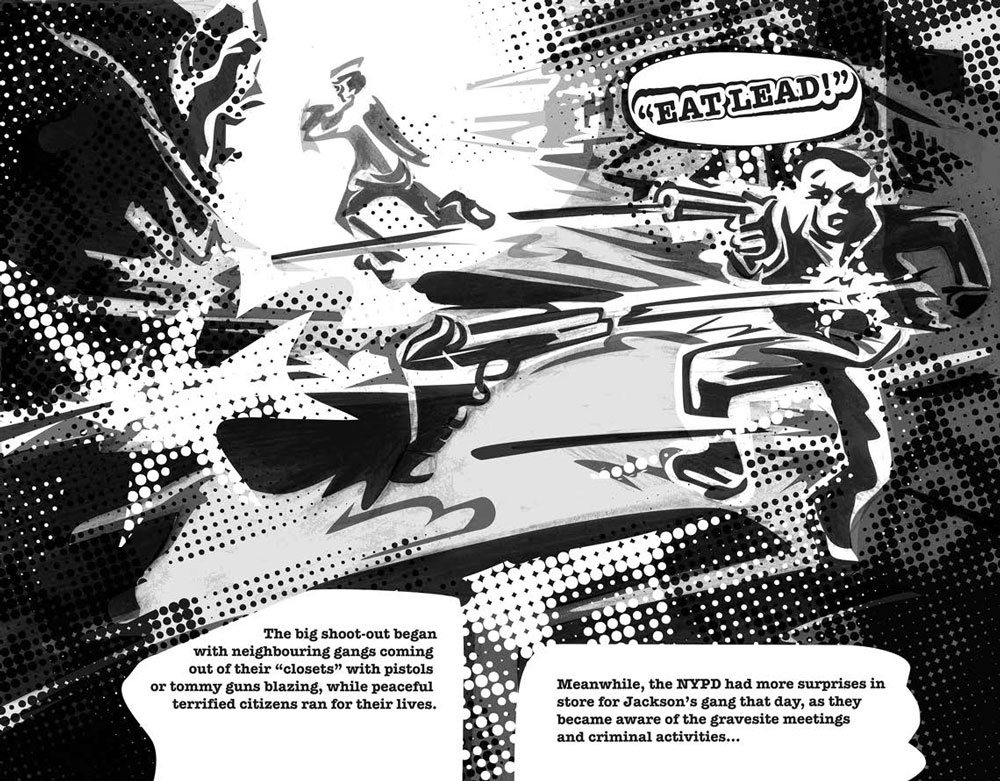
TIP OF THE WEEK: How to make your own comic: Comic & Illustration

TIPP DER WOCHE: Zeichnen Sie ihren eigenen Comic: Comic & Illustration

divider

Miriam Selmi Reed represented and licensed by Illustration Source / courtesy of Illustration source

Courtesy of Illustration source

View the artists’s homage on the topic TAX TIME

Miriam Selmi Reed is represented by Illustration Source, New York City. Portfolio and contact: Illustration Source NYC

Illustration technique: Traditional painting combined with digital mixed media using Smart Objects in Photoshop and Illustrator. Copyright by Illustration Source, New York City.

Illustrations-Technik: Acrylbild gemischt mit Illustrator und Photoshop sowie Smart-Objekten. Copyright by Illustration Source, New York City.

divider

Your source for commissioned illustration: ORIGINAL ART STUDIOS in New York City.

OAS

Portfolio Original Art Studios, New York City: MIRIAM SELMI REED

Featured Illustrator: Michael Alan Reed

divider

Mike’s TIP OF THE WEEK: How to use a layer mask and make a background transparent in Photoshop – PHOTOSHOP LAYER MASK

divider

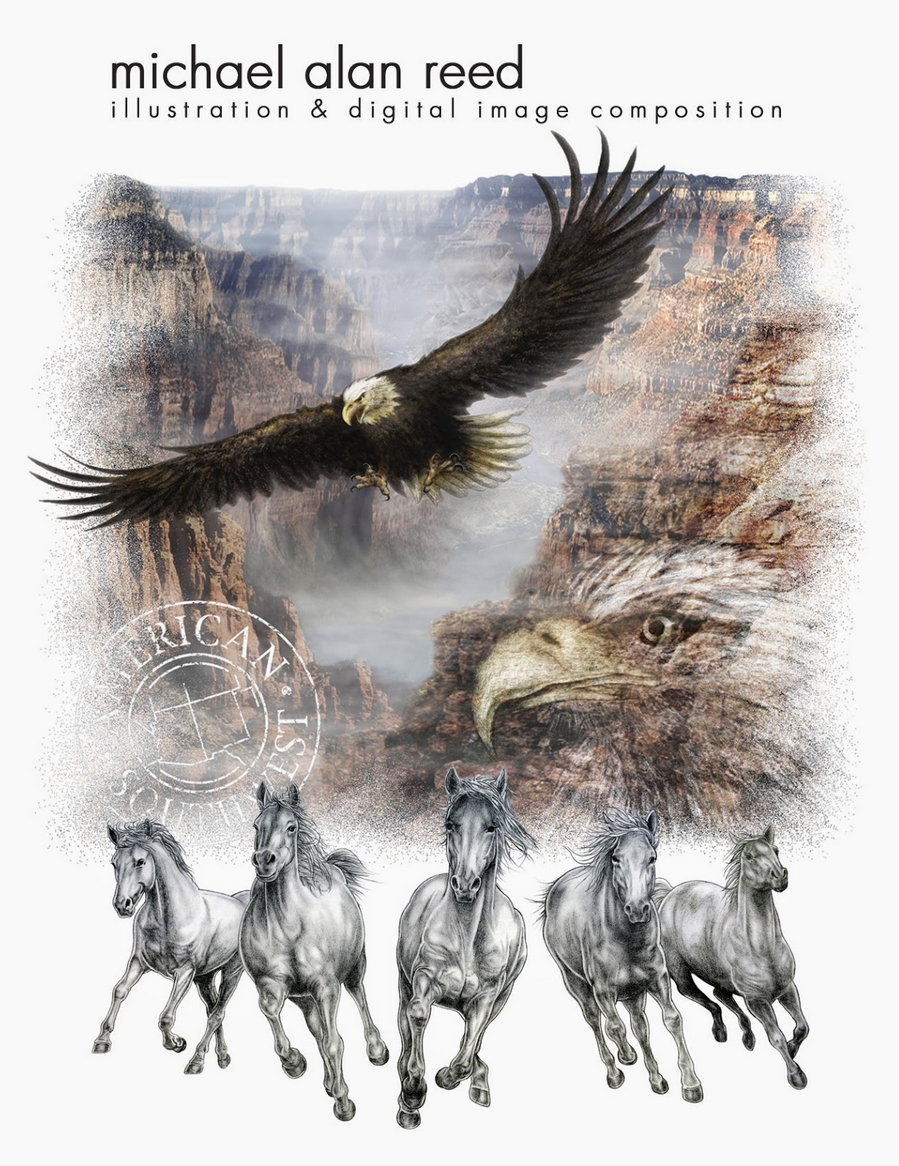
Featured Illustrator Mike Reed has an amazing technique; a combination of manual and digital media – we love his style! Manual drawing with pencil enhanced with digital media.

Copyright by Michael Alan Reed - all rights reserved

Copyright by Michael Alan Reed – all rights reserved

Michael Alan Reed, a native of the American North West, has been successfully working as a graphic designer / illustrator and image composer for many years. His work has been shown, printed and licensed in fashion, sportswear, magazines, products, advertising and animation internationally.

COOL STUFF! check out his PORTFOLIO and BLOG at: Michael Alan Reed
Contact & website: REEDesign

divider

Mike’s TIPP DER WOCHE: Wie man ein Foto in Photoshop mit einer Ebenenmaske freistellt und den Hintergrund transparent speichert – PHOTOSHOP EBENENMASKE

divider

Original Art Studios

Happy to announce that I just became part of the ORIGINAL ART STUDIOS in New York City.

OAS

Portfolio Original Art Studios, New York City: MIRIAM SELMI REED

Courtesy of Illustration Source

Illustration by Miriam Selmi Reed | Courtesy of Illustration Source, all rights reserved

Find out more or request a catalog – email: oas@illustrationsource.com
© Original Art Studios, 2015 | 15 East 32nd Street 7th Floor, New York, NY 10016 | USA | Illustration Source | Portfolio > Illustrationsource.com

divider

TIP OF THE WEEK: how I retouch my illustrations using the Stamp Tool and Healing Brush Tool in Photoshop CC or CS6. I place on an empty layer on top – while I select the option ALL LAYERS in the Control Bar – then I click the ALT key to sample and start stamping. 😉

Illustration by Miriam Selmi Reed / Courtesy of Illustration Source, all rights reserved

Illustration by Miriam Selmi Reed / With courtesy of Illustration Source, all rights reserved

TIPP DER WOCHE: Wie ich meine Illustrationen retuschiere mit dem Stempel Werkzeug oder dem Reparaturpinsel ist einfach. Ich benutze eine leere Ebene die ich ganz oben einfüge. Dann drücke ich die ALT Taste um einen sauberen Bereich aufzunehmen – mit der Option ALLE EBENEN aufnehmen in der Steuerung – und stemple vor mich hin. 😉

To The One I Love

divider

Tutorial: How to draw with Adobe Illustrator.

divider

Courtesy of Illustration Source

Courtesy of Illustration Source

View the artists’s homage on the topic: To The One I Love

Miriam Selmi Reed is represented by Illustration Source, New York City. Portfolio and contact: Illustration Source NYC

Illustration technique: watercolor, acrylic and pencil combined with digital mixed media using Adobe Photoshop and Illustrator.Copyright by Illustration Source, New York City.

Illustrations-Technik: Aquarell, Acryl mit Farbstift, gemischt mit Adobe Photoshop und Illustrator. Copyright by Illustration Source, New York City.

divider

Anleitung: Wie man mit Adobe Illustrator zeichnet.

divider

Featured artist at Illustration Source, New York City

divider

Tutorial / Anleitung: How to draw with Illustrator CC / Wie man mit Illustrator CC zeichnet

divider

Copyright by SIS New York City - Courtesy of Illustration Source, NYC

Copyright by SIS New York City – Courtesy of Illustration Source, NYC

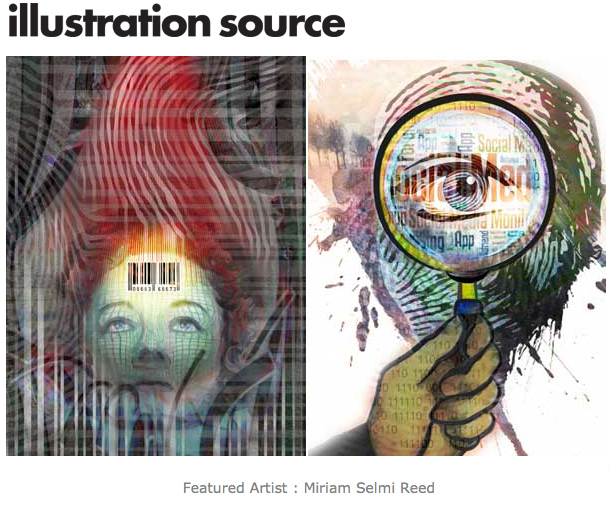
Miriam Selmi Reed is represented by Illustration Source, New York City. Portfolio and contact: Featured Artist Miriam Selmi Reed

Licensed Illustrations at Illustration Source, New York City: DATA SECURITY

Miriam worked in Zurich as a designer/illustrator in both full-time and freelance positions for advertising agencies such as Wirz BBDO and McCann Erickson. After that, she came to the United States to work for Disney on the new Disneyland Tokyo theme park designs. Miriam then went on to work with Cinesite/Kodak, the Hollywood special effects company, as staff illustrator/concept artist for various feature film projects.

Illustration Source provides you with speed and convenience. Their website design and simple pricing allows you more time to work on your project and less time searching for images and decoding costs.

The artists represented by Illustration Source are some of the best illustrators working today.

divider

Tutorial / Anleitung: How to use transparent layers in Photoshop / Wie man mit transparenten Ebenen in Photoshop arbeitet

divider

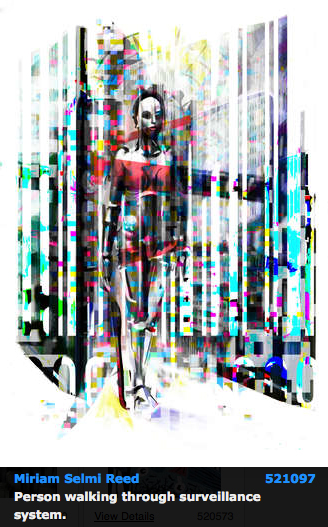
Data Security

divider

Tutorial: How to use Smart Objects in Adobe Photoshop.

divider

Courtesy of Illustration Source

Courtesy of Illustration Source

Courtesy of Illustration Source

Courtesy of Illustration Source

View the artists’s homage on the topic: Data Security

Miriam Selmi Reed is represented by Illustration Source, New York City. Portfolio and contact: Illustration Source NYC

Illustration technique: watercolor, acrylic and pencil combined with digital mixed media using Adobe Photoshop and Illustrator.Copyright by Illustration Source, New York City.

Illustrations-Technik: Aquarell, Acryl mit Farbstift, gemischt mit Adobe Photoshop und Illustrator. Copyright by Illustration Source, New York City.

divider

Anleitung: Wie man Smart Objekte in Adobe Photoshop benutzt.

divider

Moving forward in 2015!

The following illustration was created by Mimi Selmi Reed (webdesign: Adobe Muse) with pencils and water color – traced and executed in Illustrator & Photoshop – animated in Adobe Photoshop CC.
(Tutorial see below / Anleitung siehe unten)

Copyright by Miriam Selmi Reed - member SCBWI - all rights reserved.

Copyright by Miriam Selmi Reed – member SCBWI – all rights reserved.

Every Follower, Like and comment is welcome! More comics & cartoons at: Z-DOG COMIC

divider

ENGLISH:
Animations with Photoshop / Animationen mit Photoshop:
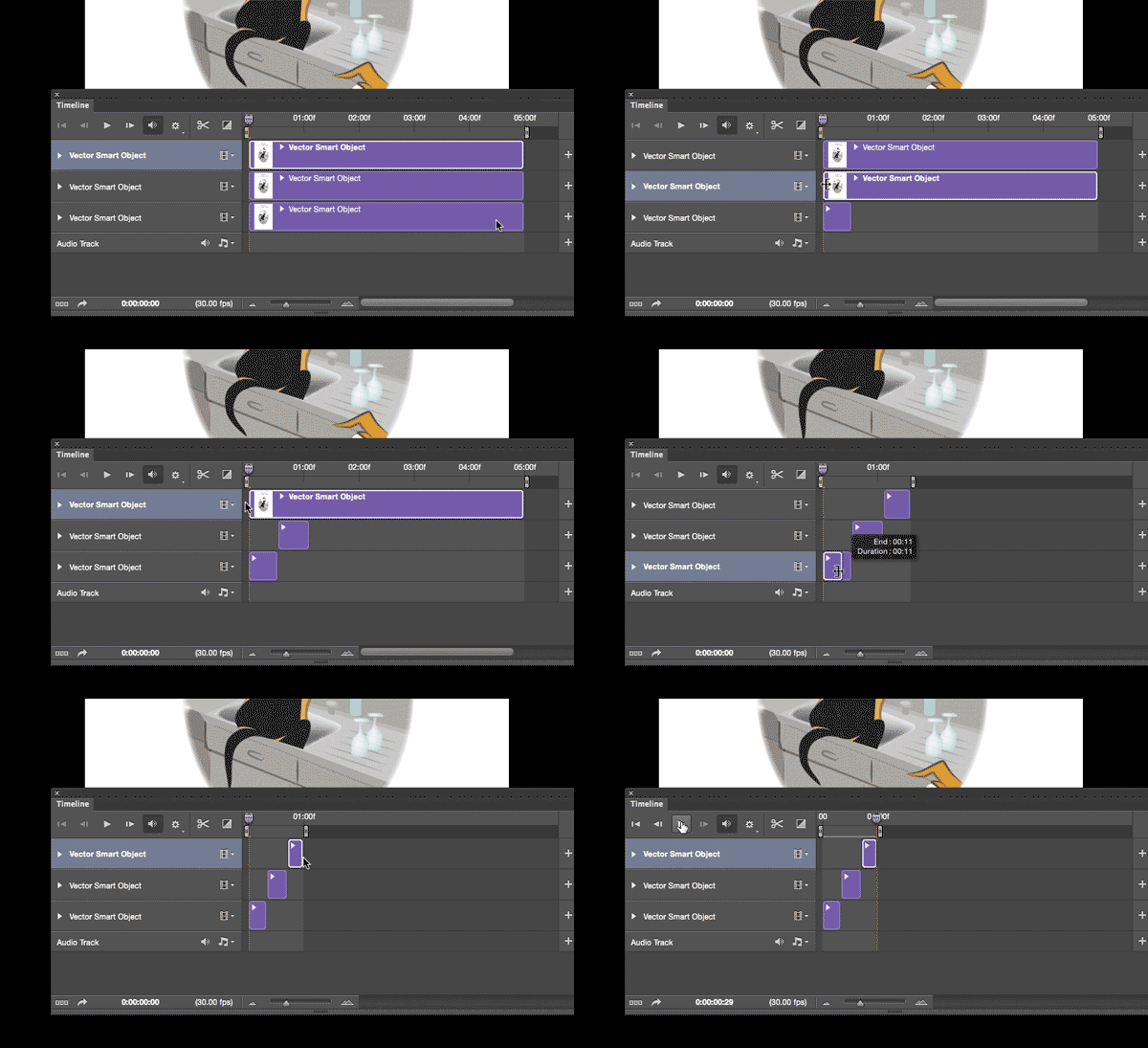
Photoshop timeline for animations is under Window > Timeline. Have fun!
How to create frame animations in Photoshop

DEUTSCH:
Die Photoshop-Zeitleiste für Animationen kann man unter Fenster > Zeitleiste finden. Viel Spass!
Erstellen von Frame-Animationen in Photoshop

animation

Happy new year – 2015!

Mixed media

Courtesy of Illustration Source

View the artists’s homage on the topic: A New Start!

Miriam Selmi Reed is represented by Illustration Source, New York City. Portfolio and contact: Illustration Source NYC

Illustration technique: Charcoal, acrylic and pencil combined with digital mixed media using Adobe Photoshop and Illustrator. Copyright by Illustration Source, New York City.

Illustrations-Technik: Kreide, Acryl mit Farbstift, gemischt Adobe Photoshop und Illustrator. Copyright by Illustration Source, New York City.

Today’s concept: Government

Courtesy of Illustration Source

Courtesy of Illustration Source

View the artists’s homage on the topic: Government

Miriam Selmi Reed is represented by Illustration Source, New York City. Portfolio and contact: Illustration Source NYC

Illustration technique: watercolor, acrylic and pencil combined with digital mixed media using Adobe Photoshop and Illustrator.Copyright by Illustration Source, New York City.

Illustrations-Technik: Aquarell, Acryl mit Farbstift, gemischt mit Adobe Photoshop und Illustrator. Copyright by Illustration Source, New York City.

Today’s concept: BOO !

Courtesy of Illustration Source

Courtesy of Illustration Source

View the artists’s homage on the topic: Boooo!…

Miriam Selmi Reed is represented by Illustration Source, New York City. Portfolio and contact: Illustration Source NYC

Illustration technique: Charcoal, acrylic and pencil combined with digital mixed media using Adobe Photoshop and Illustrator.Copyright by Illustration Source, New York City.

Illustrations-Technik: Kreide, Acryl mit Farbstift, gemischt Adobe Photoshop und Illustrator. Copyright by Illustration Source, New York City.